Week view
See the week behind the daily numbers.
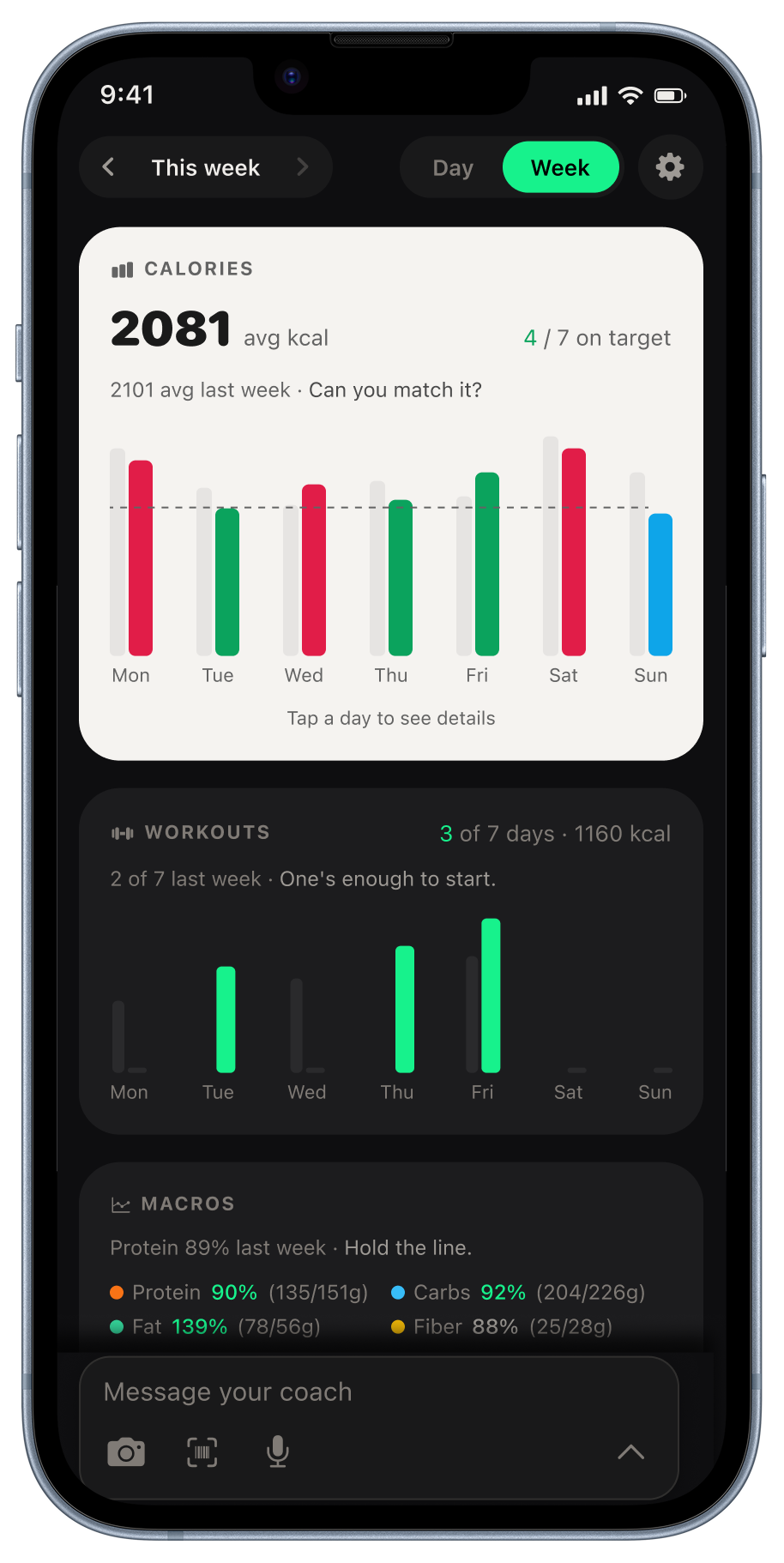
Compare daily calories, workouts, macros, and weight trends in one view. Kexo brings your logs together so you can spot changes across the week and explore them in your weekly coaching report.
Last reviewed September 6, 2026. Author: Jozef Toth. iPhone app and browser app.
Calorie chart
Compare each day’s logged calories with the target line and the previous week’s lighter bars. The summary shows average daily intake and the number of days on target.
Workouts
See which days you trained and the recorded calorie burn. Review your workout schedule alongside your meals and daily intake.
Macro trends
Compare average protein, carbs, fat, and fiber with your targets to find what you want to adjust next week.
Body trends
Follow changes in weight and waist measurements over time. Add your first measurement to start building the trend.
Daily habits
Review water, sleep, and digestion day by day alongside the rest of your week.
Get coaching from your weekly records
Open the weekly report section and tap Generate for an AI review of your recent records, with patterns and practical next steps. See the weekly report.
Found an error on this page? Tell us. We will date-stamp a correction.
Related: Guide · Widgets · How to refine a meal estimate · Day view · Weekly report · Adaptive expenditure