iPhone app icons
Make Kexo look at home on your iPhone.
Keep the Kexo K or choose from 13 food illustrations. Change the app icon in Settings whenever you want to give your Home Screen a different look.
Last reviewed September 6, 2026. Author: Jozef Toth. iPhone app only. The browser app keeps the default K.
 Default
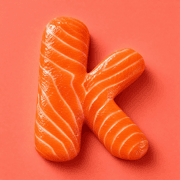 Salmon
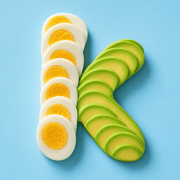 Avocado and egg
 Peanut butter
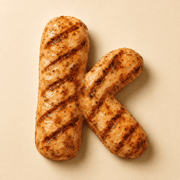 Grilled chicken
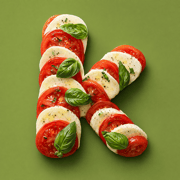 Caprese
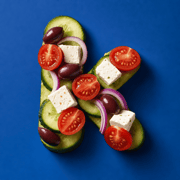 Greek salad
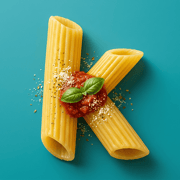 Pasta
Pasta
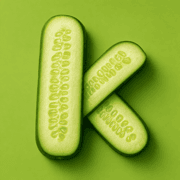 Cucumber
 Cottage cheese
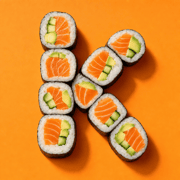 Sushi
Sushi
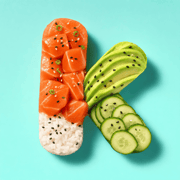 Poke bowl
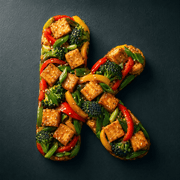 Tofu stir-fry
 Yogurt bowl
How to change it
- Open Settings using the gear icon in Day or Week view.
- Tap App icon. Browse the default icon and 13 food designs.
- Choose an icon. Kexo updates the icon on your Home Screen. You can switch back to the default K at any time.
Alternative app icons are available on iPhone. The browser app, including installations on Android, uses the default K.
Found an error on this page? Tell us. We will date-stamp a correction.
Related: Guide · Widgets · How to refine a meal estimate · Apple Watch